Welcome To Faceted Search
Initially, search engines only utilised keyword searches, i.e. you typed in the words that you wanted to find, and then the search engine would return results that contained those keywords within the indexed documents.
Keyword searches are still widely used and are a good use-case for searching within a wide range of documents and documentation (web search engines are a very good example). Keyword searching is still an important part of any search engine implementation, faceting adds a mechanism that enhances the keyword search function.
Faceted search engines include functionality that allows users to further narrow down their search results by applying one or more filters (or facets) to a set of data. These facets can be based on various attributes or characteristics of the data, such as categories, tags, authors, dates, or other metadata.
In a faceted search system, the search results are typically displayed along with a set of facets or filters that can be applied to the results. The user can then select one or more facets to refine their search, and the system will update the results in real-time to reflect the new filters.
One of the most well known and popular faceted search engines is the open source Apache SolrTM faceted search engine, powered by the Apache LuceneTM search engine.
Synapticloop Panl is designed to integrate with the Apache Solr faceted search engine and remove the need to understand the complex URL parameters and paths that a Solr search engine requires.
The Solr Server uses URL parameters to interrogate the search index and return the results. For example, to search a mechanical pencil collection for all pencils brands that have a blue and black pencil within their range, the query that is sent to Solr is:
q=*:*&q.op=OR&facet.limit=100&fl=brand,name&facet.mincount=1&rows=10&facet.field=le
ad_size_indicator&facet.field=colours&facet.field=brand&facet.field=mechanism_type&
facet.field=hardness_indicator&facet.field=in_built_sharpener&facet.field=disassemb
le&facet.field=category&facet.field=lead_length&facet.field=in_built_eraser&facet.f
ield=grip_shape&facet.field=weight&facet=true&fq=colours:"Black"&fq=colours:"Blue"&
stats.field=weight&stats=true&start=0
Which, decoding the URL parameters becomes:
- q=*:* - The fields that a keyword search query would be performed on - in this case, all indexed fields and all words
- &q.op=OR - Use the query operand of OR on between the individual keywords - there are no keywords in this search
- &facet.limit=100 - Return only the first 100 facet values for each facet
- &fl=brand,name - Return the brand and name Solr fields of the pencil in the result documents
- &facet.mincount=1 - A facet value must have a count of at least 1 for it to be returned by Solr
- &rows=10 - Return 10 documents (results) at a time
- &facet.field=lead_size_indicator - Facet on the Lead Size Indicator Solr field
- &facet.field=colours - Facet on the Colours Solr field
- &facet.field=brand - Facet on the Brand Solr field
- &facet.field=mechanism_type - Facet on the Mechanism Type Solr field
- &facet.field=hardness_indicator - Facet on the Lead Hardness Indicator Solr field
- &facet.field=in_built_sharpener - Facet on the In-built Sharpener Solr field
- &facet.field=disassemble - Facet on the Disassembly Solr field
- &facet.field=category - Facet on the Category Solr field
- &facet.field=lead_length - Facet on the Lead Length Solr field
- &facet.field=in_built_eraser - Facet on the In-built Eraser Solr field
- &facet.field=grip_shape - Facet on the Grip Shape Solr field
- &facet.field=weight - Facet on the Weight Solr field
- &facet=true - Turn on faceting
- &fq=colours:"Black" - Only select results with a value of "Black" in the Colours Solr field
- &fq=colours:"Blue" - Only select results with a value of "Blue" in the Colours Solr field
- &stats.field=weight - Return statistics for the Weight Solr field
- &stats=true - Turn statistics reporting on
- &start=0 - Start at the first (i.e. index=0) result
Compare this to the Panl URL:
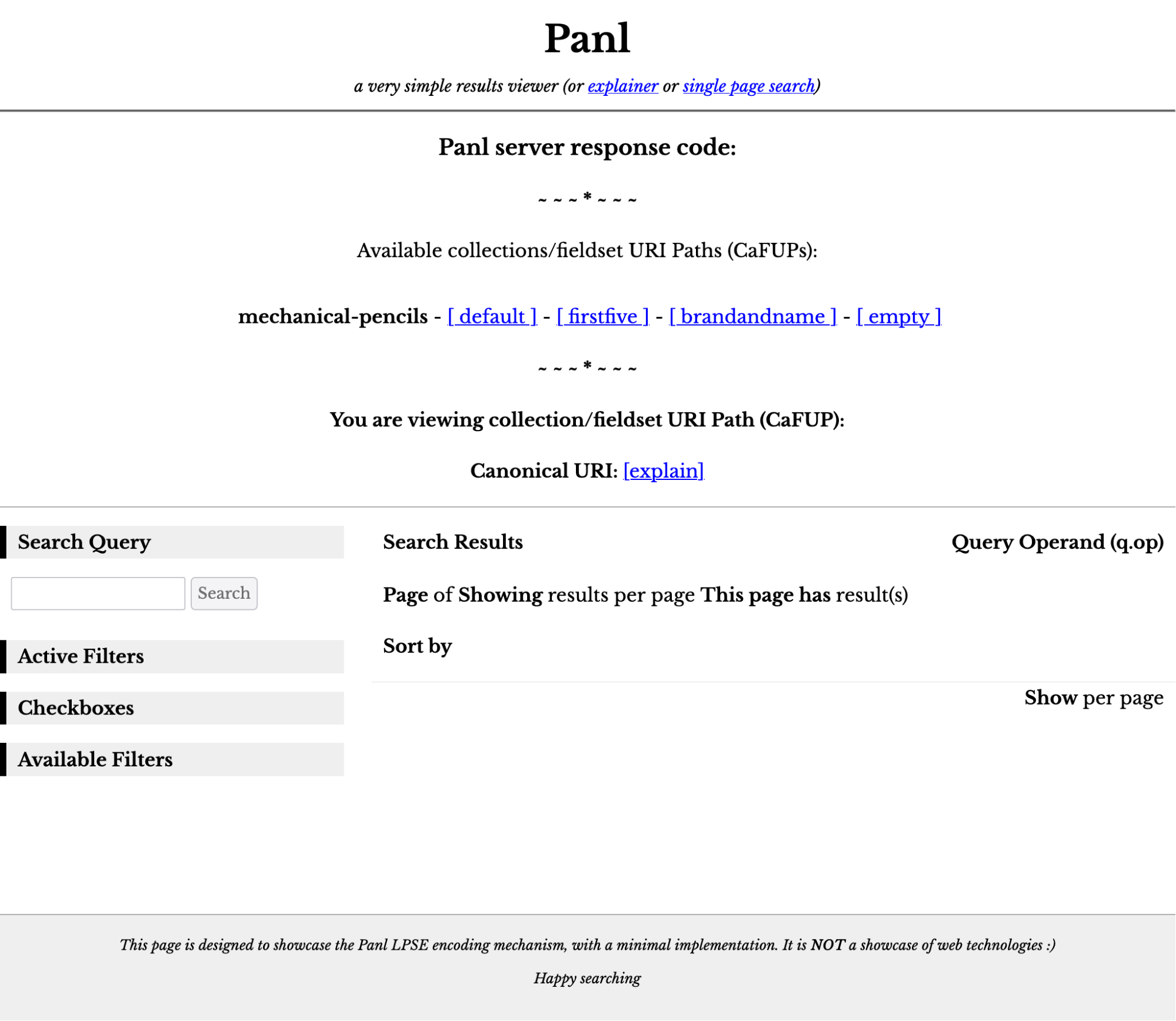
http://localhost:8181/panl-results-viewer/mechanical-pencils/brandandname/Black/Blue/WW/
Which is much cleaner and shorter (note that the only part of the URL which is important to Panl is /mechanical-pencils/brandandname/Black/Blue/WW/.
For additional information and help see Decoding the Solr Query Parameters.
A Simple Faceted Search Example
Below is an image of the DuckDuckGo search engine which allows both a keyword search and some simple faceting options.
|
|
Large scale web search engines attempt to index and make sense of the huge amount of data that is available on a myriad of websites. Each of these websites have different taxonomies and types of information, consequently, being able to extract attributes from each of the pages (and thus adding them as facets) becomes far more complex.
In the above image, apart from the keyword search of 'solr panl', the following can be thought of as facets:
- Country of origin (set to 'United Kingdom'),
- The safety of the search results (set to 'moderate'), and
- The time that the content was published (set to 'Any time')
Additionally there are 'facets' to search on document type - for example - images, videos, news, maps, and shopping.
The facets will help to guide the search results, but they are broad facets which are useful for this interface. Note: there are advanced options to only search one site, or to search the file type as well.
For our examples, we will be using a smaller and more targeted search index, consequently there is greater potential to add facets that help the user get to the correct details more quickly.
A More Complex Faceted Search Example
Most online shopping sites use a faceted search engine for their results. Arguably the most-well known online store is Amazon.com. Below is a screenshot of the landing page
Image: The amazon.com landing page with a keyword search box
Whilst the second level navigation can be thought of as facets in that they do narrow down the search (i.e. by selecting a shopping 'Department'), by performing a keyword search - in this case 'mechanical pencils' will provide with the search results page with a lot more facets:
Image: The amazon.com search page with a keyword search of 'mechanical pencils'
On the left hand side of the screen, the facets are displayed and selectable, allowing the user to refine their search.
The amazon URL for Staedtler branded pencils in black or blue is:
The URL is 352 characters, with a Panl implementation, this might become
https://www.amazon.com/Manufactured%20by%20Staedtler/Black/Blue/mechanical-pencils/bWWpnq/
The Panl URL is only 90 characters, and far more human readable.
From the Amazon URL, there is a query parameter and value of i=office-products (meaning the department), which does not exist in the Panl example search engine, should an implementation be created with the departments, then the Panl URL might have the form of:
https://www.amazon.com/office-products/Manufactured%20by%20Staedtler/Black/Blue/mechanical-pencils/ibWWpnq/
With 107 characters.
|
|
Note: There are a variety of configuration options that determine how Panl will generate a URL, the above are just examples. |

SEO Friendlier URLs
For the above search results, choosing one of the results will link to a URL of the form
You will notice the first part of the URL - rOtring-1904260-Rapid-Mechanical-Pencil is used for purely for SEO purposes - the actual information that AMazon uses to display the product is the URL path part B0055ZV8LK (which is the Amazon product id). The minimal URL of:
https://www.amazon.com.au/dp/B0055ZV8LK
Links to exactly the same product. The rest of the previous URL is used for SEO ranking and the URL parameters containing tracking, marketing, and other information. Amazon lists the canonical URL as:
https://www.amazon.com.au/rOtring-1904260-Rapid-Mechanical-Pencil/dp/B0055ZV8LK
With, once again, the rOtring-1904260-Rapid-Mechanical-Pencil part of the URL path purely used for SEO purposes.
Panl Implementation
Rather than just using the final product page with an SEO friendly URL, Panl builds SEO friendly URLs all the way through the search and faceting journey. For the final product listing page Panl can include a canonical passthrough parameter which adds SEO friendlier information (see the Passthrough URLs section on how to implement them).
About Apache Solr
From the Apache Solr website (https://solr.apache.org/)
Solr is the blazing-fast, open source, multi-modal search platform built on the full-text, vector, and geospatial search capabilities of Apache Lucene™.
~ ~ And ~ ~
Solr is highly reliable, scalable and fault tolerant, providing distributed indexing, replication and load-balanced querying, automated failover and recovery, centralized configuration and more. Solr powers the search and navigation features of many of the world's largest internet sites.
By implementing the Panl server you can abstract away the complex Solr query options and focus on delivering URLs to your implementation that are more user and SEO friendly.